
AI Automation for Small Business: 7 Super Simple Tasks Worth Automating in 2026
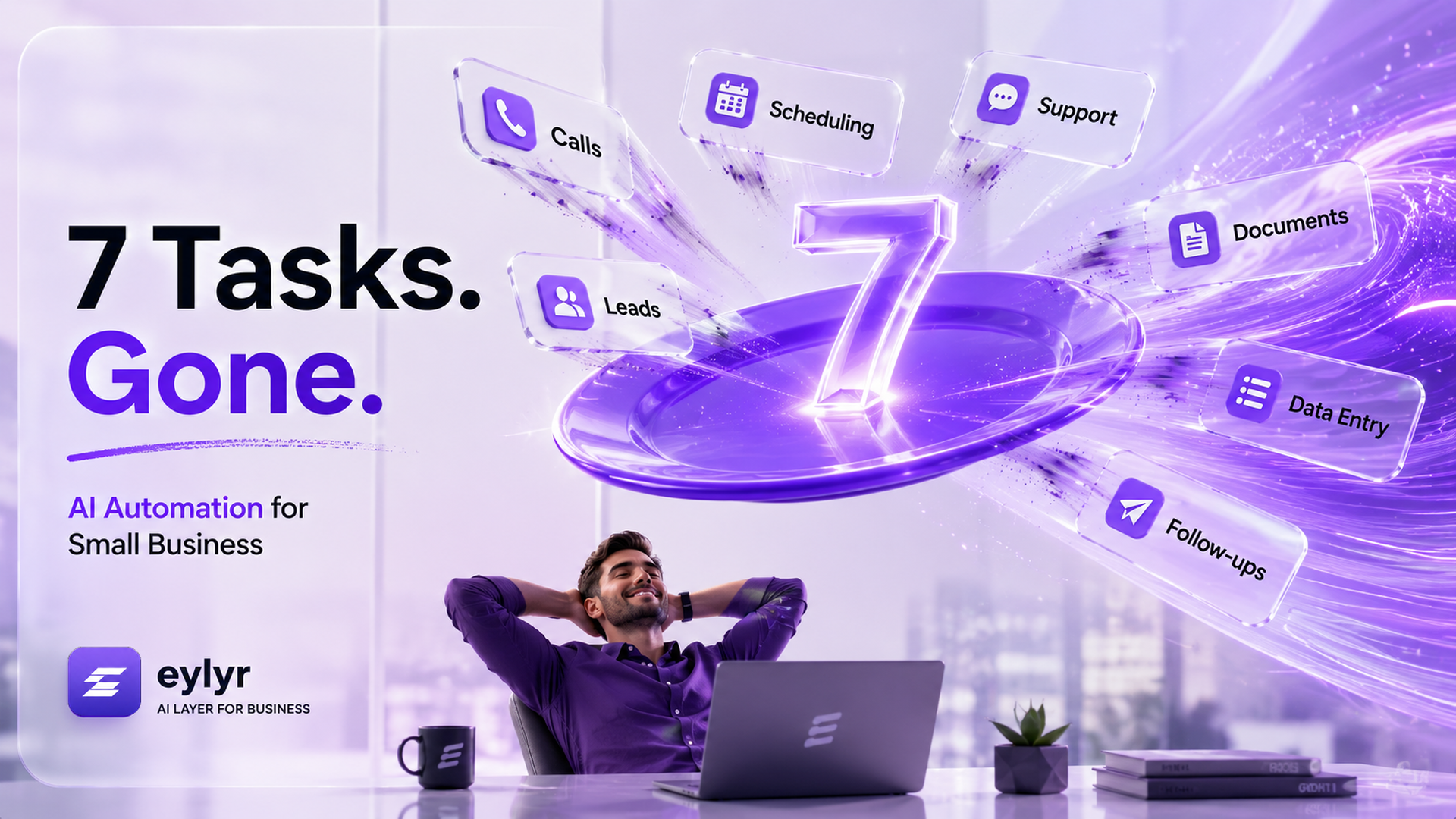
AI automation doesn't mean rebuilding your business. In 2026, small businesses can automate repetitive tasks like lead response, support, follow-ups, scheduling, CRM updates, and document collection, reducing manual work and complexity.
On this page
- AI automation is no longer about adding another tool
- 7 tasks small businesses can automate today
- 1. Lead response
- 2. Lead qualification
- 3. Appointment scheduling
- 4. Customer support
- 5. Follow-ups
- 6. Data entry and CRM updates
- 7. Document collection and processing
- Why an AI layer can be more efficient
- What Does It Cost to Build This Without an AI Layer?
- The Eylyr Difference
- One Layer Instead of an Entire Stack
AI automation is no longer about adding another tool
Small businesses do not usually have a shortage of software.
They have too much of it.
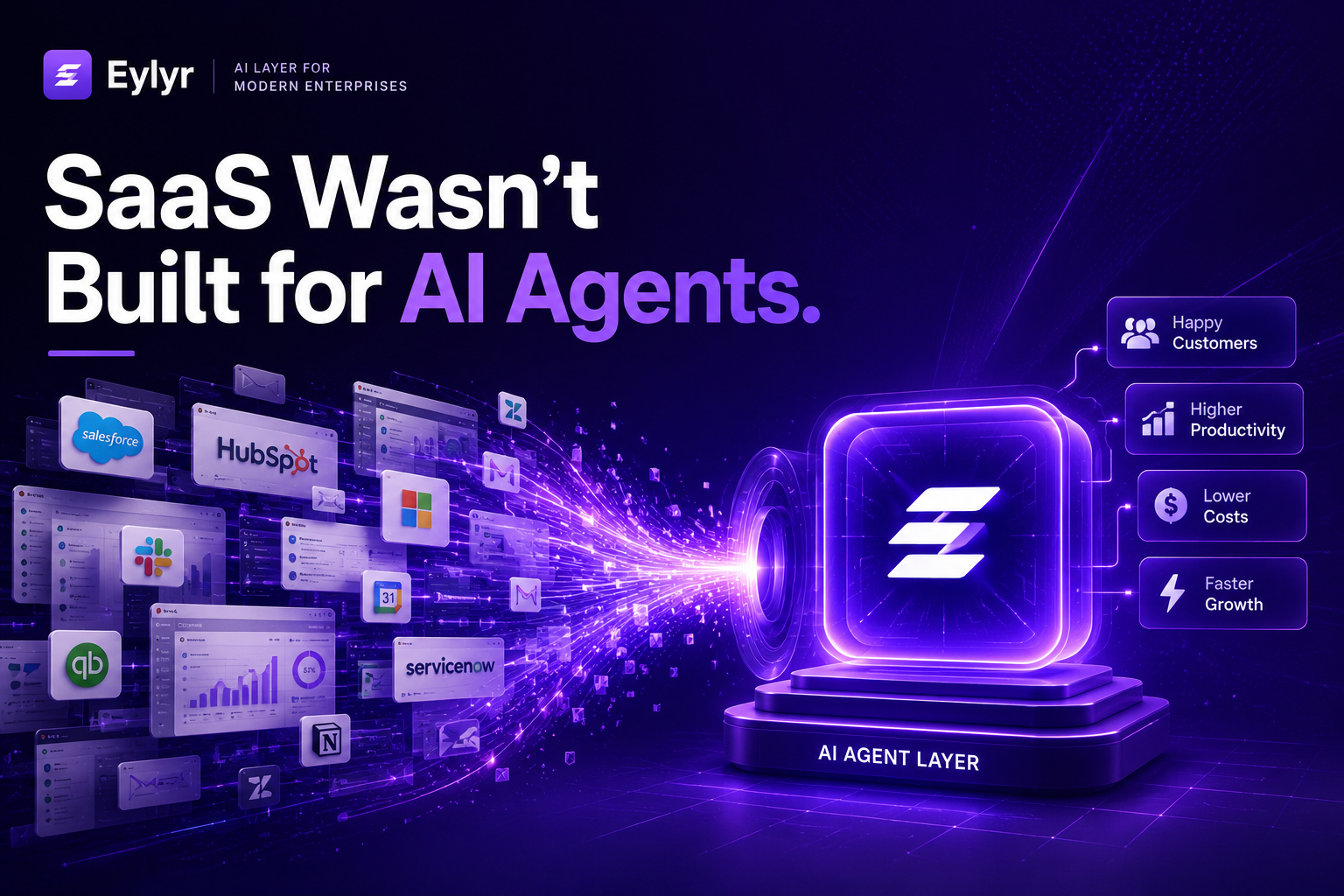
A CRM handles leads. A separate tool handles chat. Another handles scheduling. Another handles automation. Another handles calls. Employees then spend their time moving information between all of them.
The real opportunity with AI automation is different: make repetitive business work happen automatically across the systems you already use.
Microsoft's 2025 Work Trend Index found that 46% of leaders said their organizations were already using agents to fully automate workstreams or business processes.
Key Insight
For a small business, you don't need dozens of AI agents.
You need to automate the work that repeatedly consumes your team's time.
7 tasks small businesses can automate today
1. Lead response
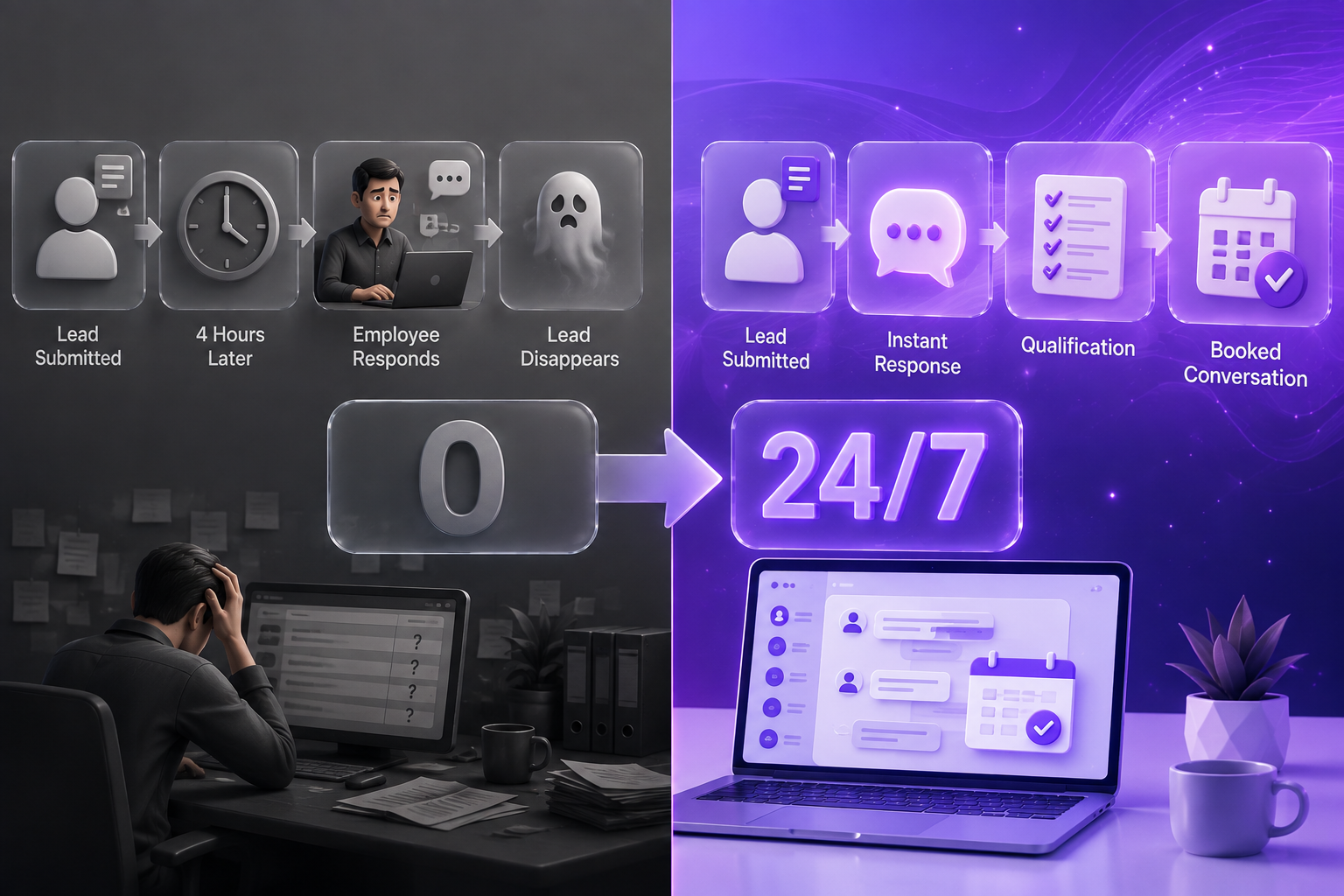
When a lead fills out a form, sends a message or calls after hours, AI can respond immediately, collect basic information and route the opportunity to the right person.
Why it matters: Speed is often the difference between a conversation and a lost lead.
2. Lead qualification
Instead of having employees ask the same five questions every time, an AI agent can collect information, identify intent and determine whether the lead meets your criteria.
Your team receives a qualified conversation instead of another raw inquiry.
3. Appointment scheduling
AI can handle availability, answer basic questions and book appointments without requiring an employee to exchange multiple emails or messages.
This is particularly useful for businesses that receive inquiries outside normal working hours.
4. Customer support
Frequently asked questions do not always require a human.
AI can handle common questions, retrieve information, guide customers through simple processes and escalate conversations when human judgment is required.
Platforms such as Intercom now price AI customer-service outcomes separately, showing how quickly AI support is moving toward outcome-based models.
5. Follow-ups
One of the simplest opportunities is also one of the most frequently missed.
AI can automatically follow up with:
▪ New leads
▪ Unanswered inquiries
▪ Missed calls
▪ Prospects who requested information
▪ Customers who have gone inactive
Instead of relying on someone to remember the next follow-up, the workflow does it automatically.
6. Data entry and CRM updates
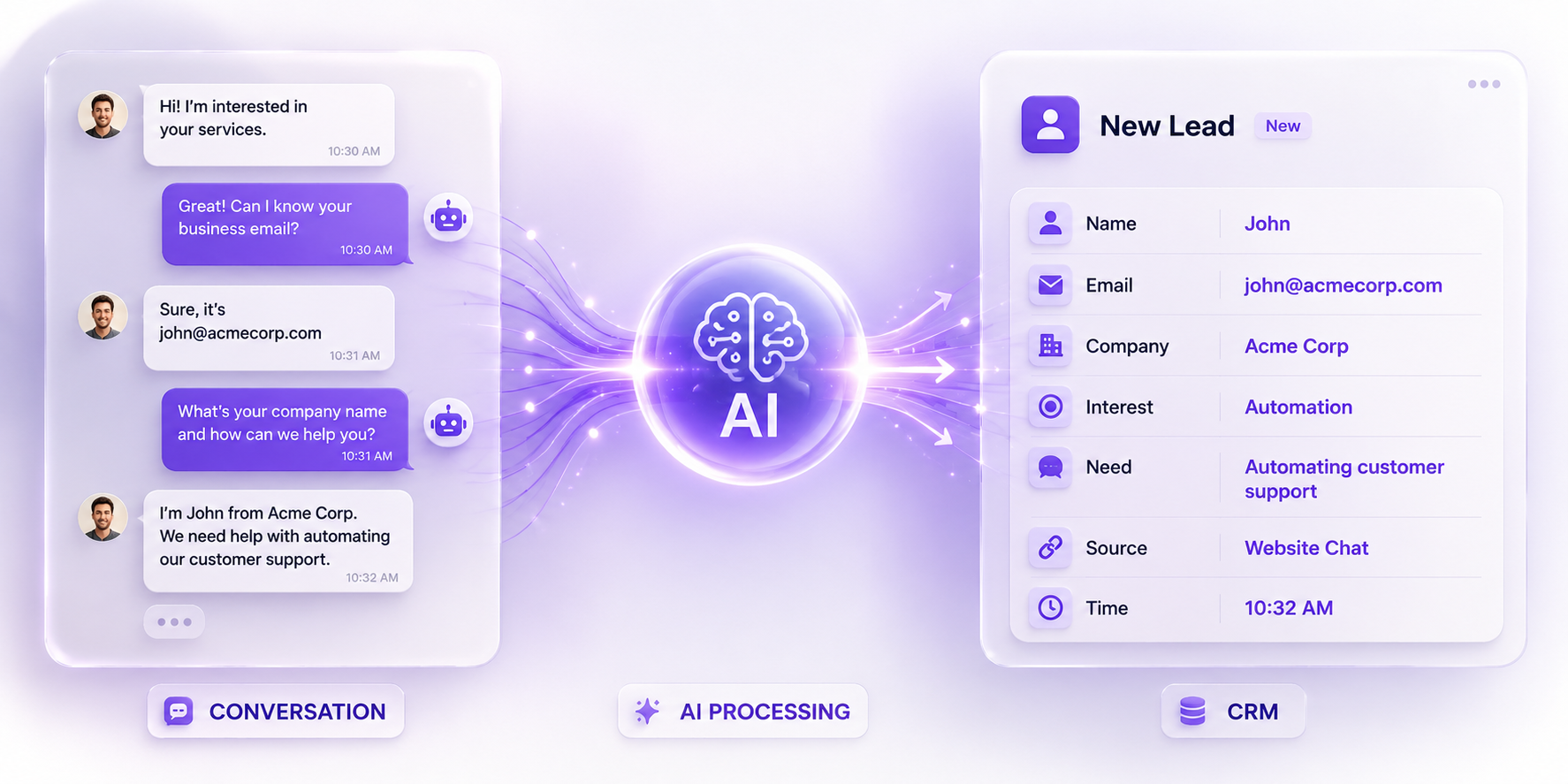
A conversation happens.
Someone then has to copy the information into the CRM.
AI can extract the relevant details, update records, categorize the conversation and trigger the next workflow.
That means fewer repetitive administrative tasks and cleaner data.
7. Document collection and processing
AI can request missing documents, identify what has been received, extract relevant information and notify a team member when something requires human review.
This is especially useful for businesses where onboarding or sales requires repeated document collection.
Microsoft's research points toward the same shift: businesses are moving from humans simply using AI assistants toward human-agent teams where agents execute specific tasks and workflows.
The goal isn't to remove people.
It's to remove the repetitive work around them.
A realistic multi-tool stack can quickly move into hundreds of dollars per month before you account for setup, maintenance and the employee time required to manage it.
Eylyr takes a different approach.
Instead of asking businesses to replace everything they already use, Eylyr acts as an AI layer across the workflow.
That means the business can keep its existing CRM, calendar, communication channels and other systems while AI handles the repetitive work between them.
Why an AI layer can be more efficient
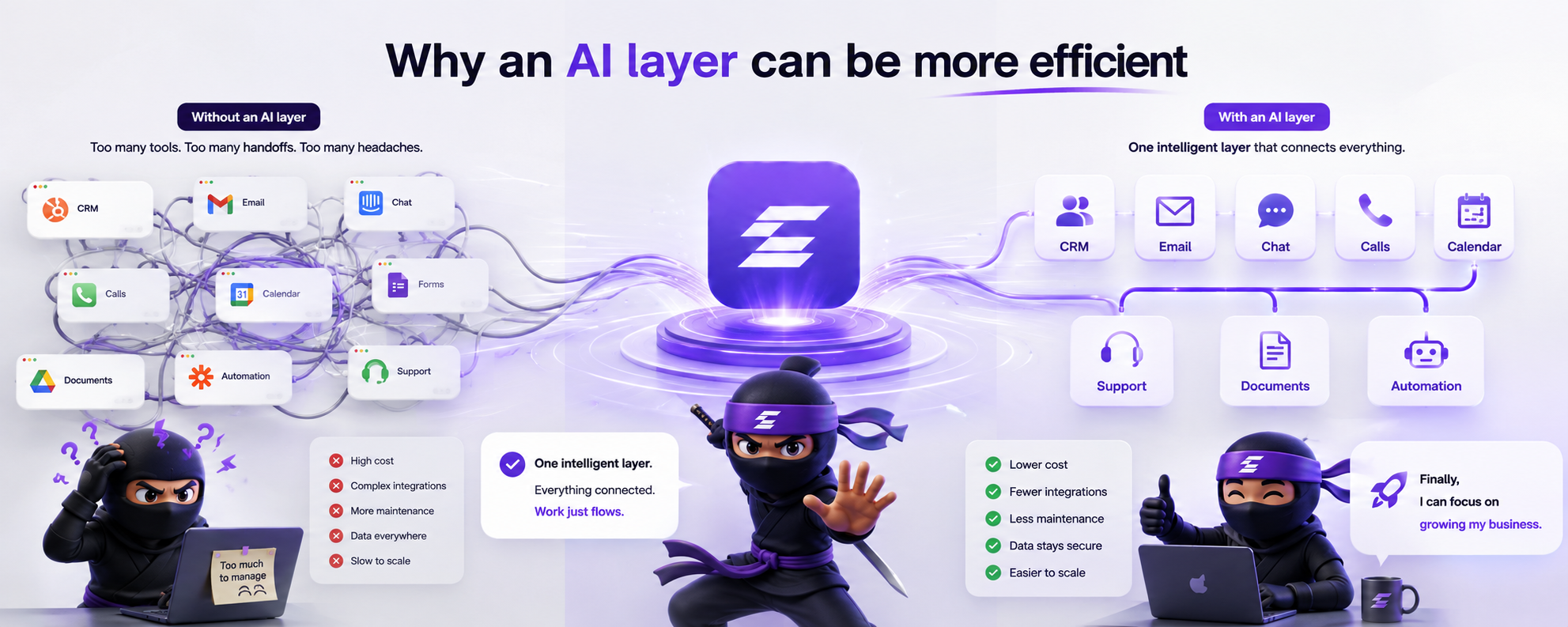
Lower software overhead : Instead of paying for multiple platforms that each solve one small part of the problem, businesses can consolidate AI-driven workflows around one layer.
Fewer disconnected systems : Every additional platform creates another login, integration, data connection and potential point of failure. A connected AI layer reduces unnecessary handoffs.
Human-in-the-loop when it matters : AI can handle repetitive interactions while sensitive, complex or high-value decisions can still be escalated to a person.
Better visibility : A centralized layer can make it easier to understand what the AI handled, what was escalated and where a workflow stopped.
Security by design : Reducing the number of systems that customer information moves through can reduce unnecessary data handoffs. Businesses should still evaluate an AI provider's access controls, data retention, encryption, logging, permissions and compliance practices before deployment.
Key Insight
Important :
Security isn't simply a feature of “using AI.” It depends on how the AI system is architected and governed.
What Does It Cost to Build This Without an AI Layer?
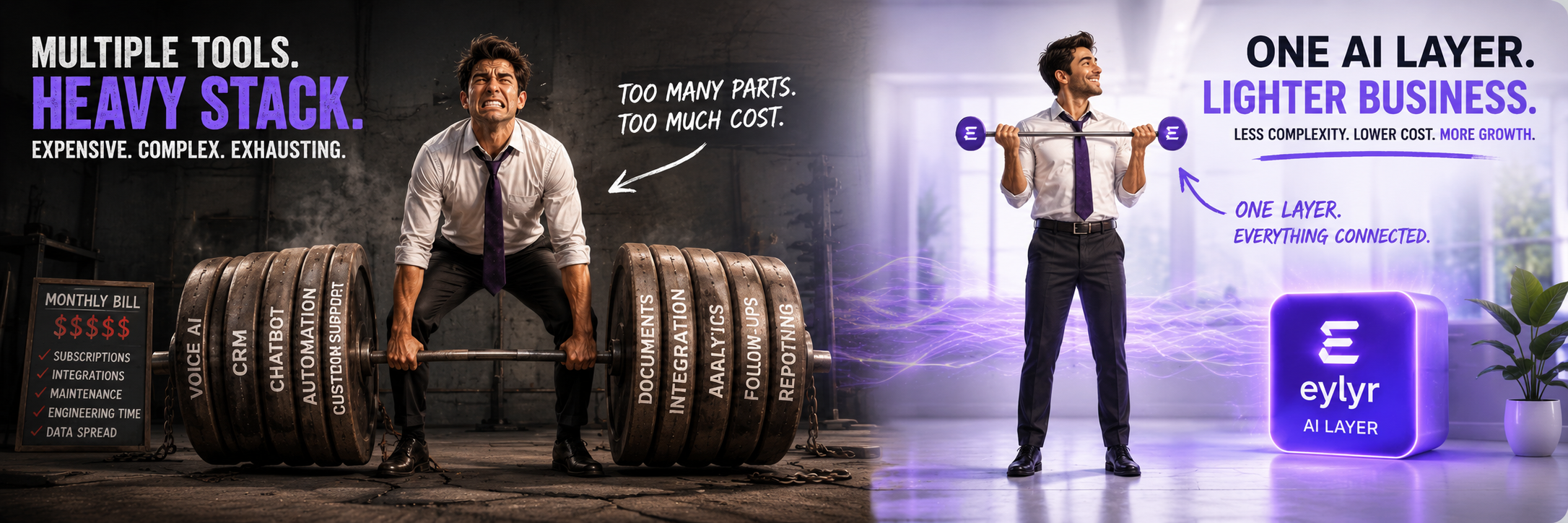
Building a complete AI-powered business workflow from scratch can become expensive surprisingly quickly.
A business may need separate platforms for voice, customer support, messaging, workflow automation, CRM integration, document processing, analytics and security, followed by the engineering work required to connect them.
For larger organizations, this can mean thousands or even tens of thousands of dollars in software, integration and development costs before the system is fully operational.
The alternative is not buying another collection of tools.
It is putting the intelligence into one connected layer.
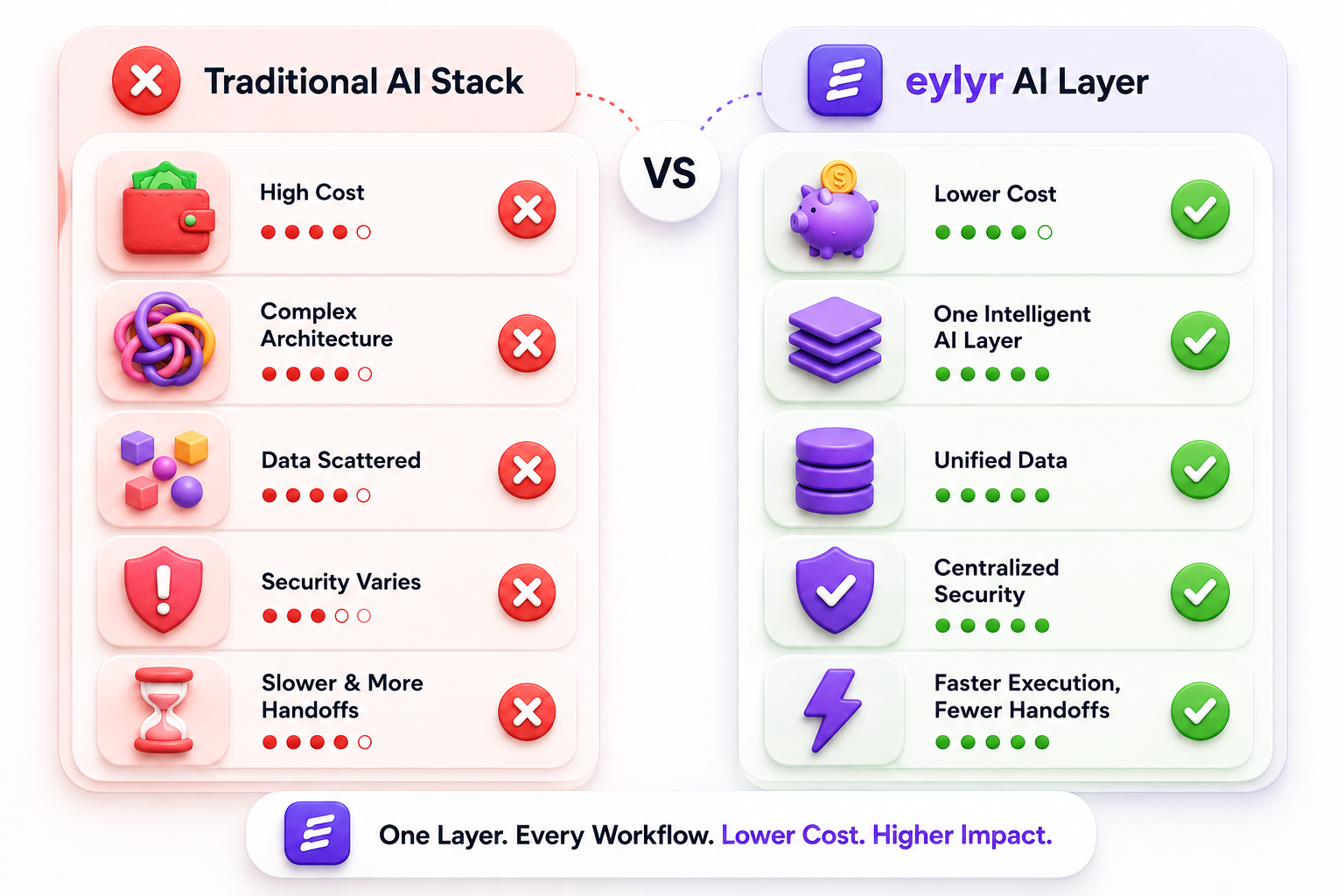
The Eylyr Difference
Eylyr isn't another AI tool that solves one problem.
It is an AI layer designed to sit across the business.
Instead of stitching together separate vendors for voice, chat, support, lead qualification, follow-ups and workflow automation, Eylyr brings those capabilities into one connected system.
Capture → Understand → Qualify → Act → Follow Up → Escalate
One layer. Multiple workflows.
One Layer Instead of an Entire Stack
A business shouldn't need a separate AI platform every time it wants to automate another part of its operation.
Eylyr provides one layer that can connect:
Phone
Website
WhatsApp
Email
CRM
Calendar
Documents
The result is a business where AI isn't sitting in one corner.
It is working across the operation.
See where AI can eliminate repetitive work in your business.
Find Your Automation Opportunities